Free Accessibility Icon Set
Our free accessibility icon set gives you 17 original icons for inclusive design: wheelchair access, captions, audio description, sign language, braille and more. Download them as SVG or PNG, change the color to match your brand, and use them in commercial projects for free.
SVG and 512 px PNG · Free under CC BY 4.0 · No signup
- Universal Access
- Wheelchair Access
- Blind or Low Vision
- Low Vision and Magnification
- Deaf or Hard of Hearing
- Assistive Listening
- Sign Language
- Audio Description
- Closed Captions
- Braille
- Keyboard Accessible
- Screen Reader Friendly
- Voice Control
- Cognitive Accessibility
- Text Resize
- High Contrast
- Plain Language
Browse the Free Accessibility Icons
Need one icon? Download it on its own, or copy the SVG code straight into your site.
-
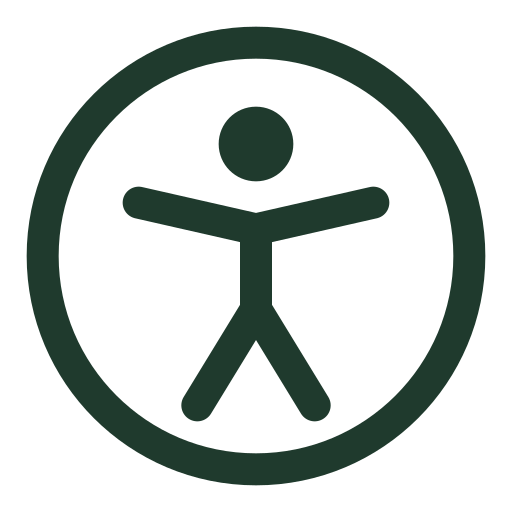
Universal Access Icon
A person with open arms inside a circle. The most widely used symbol for accessibility in general, ideal for accessibility statements and settings menus.
-
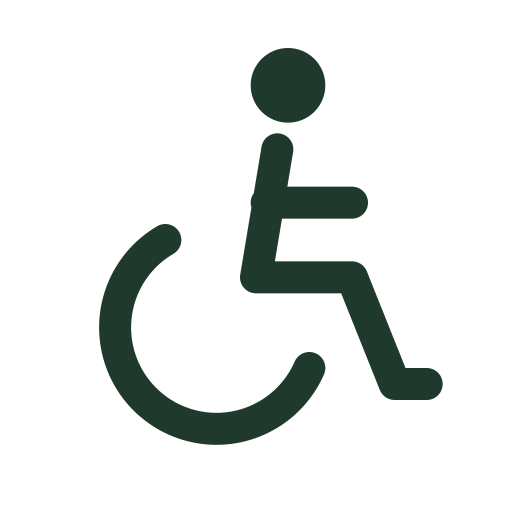
Wheelchair Access Icon
A person using a wheelchair in motion. Marks step-free routes, accessible entrances, seating and facilities for people with mobility disabilities.
-
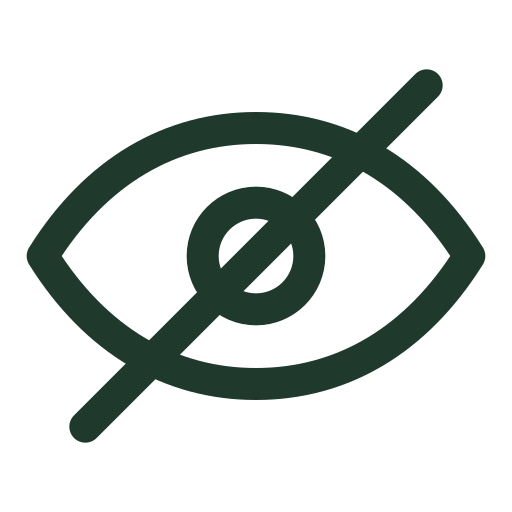
Blind or Low Vision Icon
An eye with a line through it. Identifies content, services or features for people who are blind or have low vision.
-
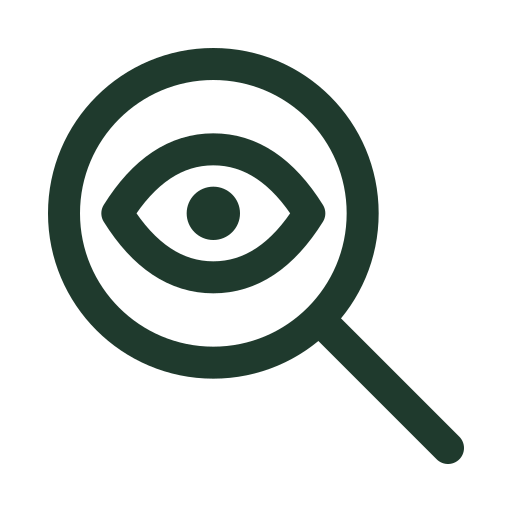
Low Vision and Magnification Icon
An eye inside a magnifying glass. Represents screen magnification, zoom and large-print options for people with low vision.
-
Deaf or Hard of Hearing Icon
An ear with a line through it. Identifies services and content for people who are deaf or hard of hearing.
-
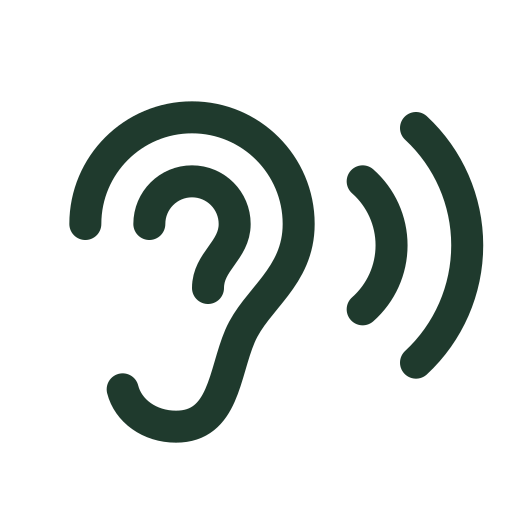
Assistive Listening Icon
An ear with sound waves. Marks assistive listening systems, hearing loops and amplified audio.
-
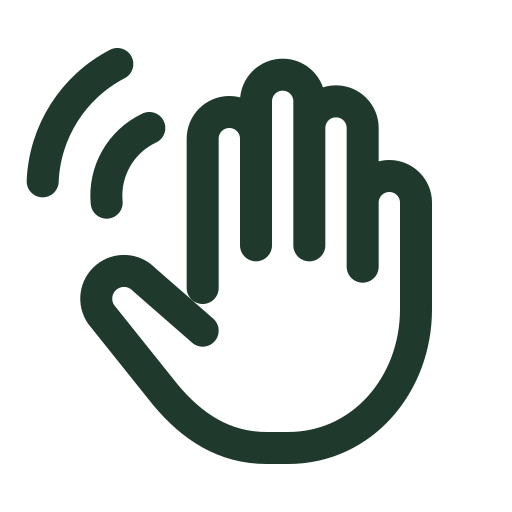
Sign Language Icon
A signing hand with motion lines. Indicates sign language interpretation is available, for example for events, videos or support.
-
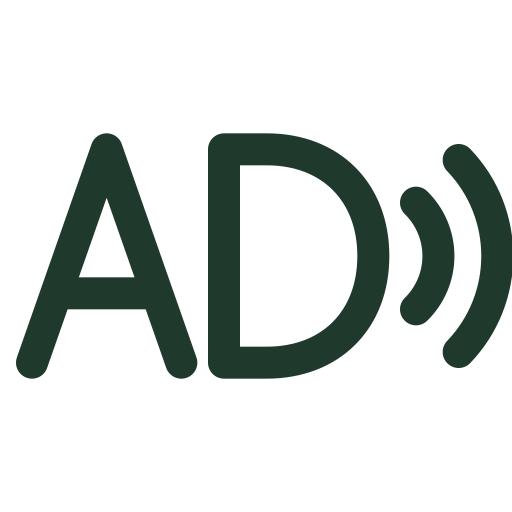
Audio Description Icon
The letters AD with sound waves. Shows that a video or performance has spoken narration of important visual details.
-
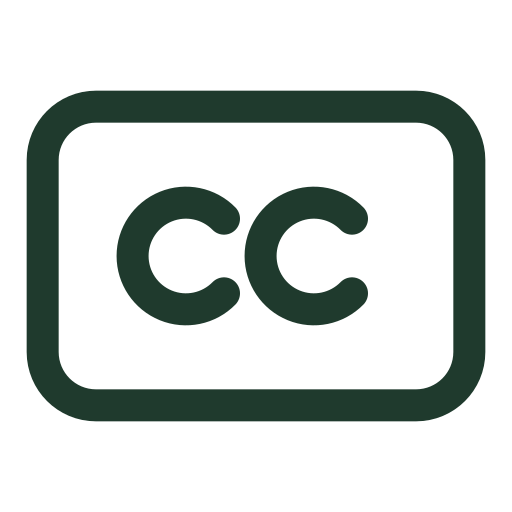
Closed Captions Icon
The letters CC in a screen. Shows that video or audio content has captions that can be turned on.
-
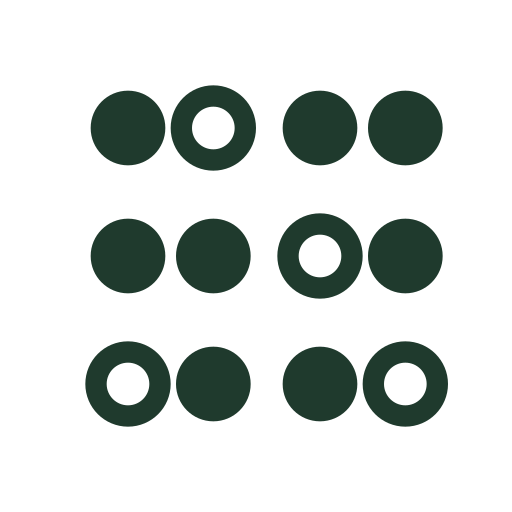
Braille Icon
Two braille cells of raised and unraised dots. Marks braille signage, documents and menus.
-
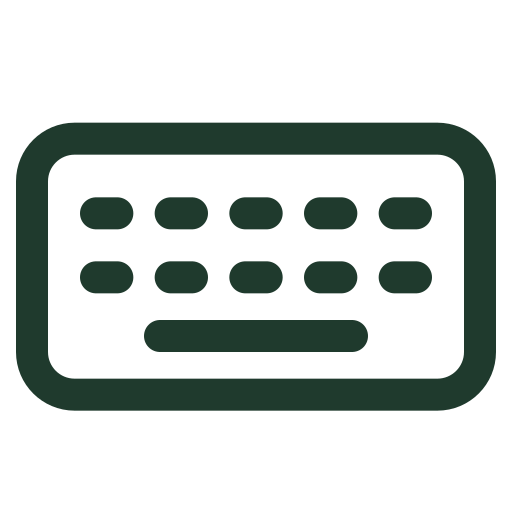
Keyboard Accessible Icon
A keyboard. Indicates that every feature can be used with a keyboard alone, without a mouse.
-
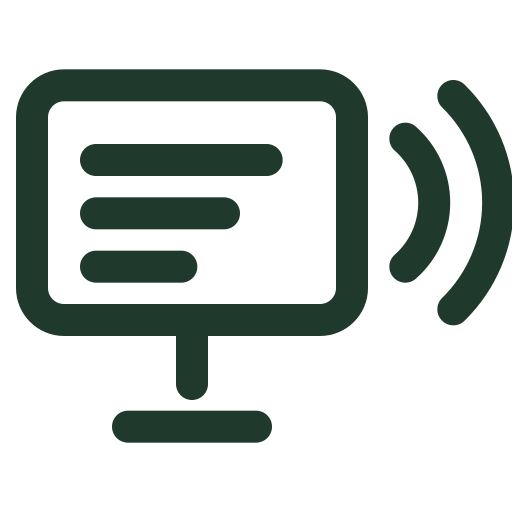
Screen Reader Friendly Icon
A screen with text and sound waves. Represents content that works with screen readers and other text-to-speech tools.
-
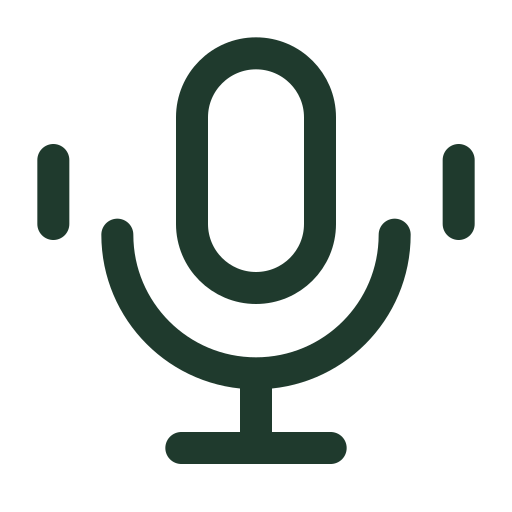
Voice Control Icon
A microphone with sound waves. Represents speech input, voice commands and dictation.
-
Cognitive Accessibility Icon
A head with a lightbulb. Represents clear, predictable design for people with cognitive, learning and neurological disabilities.
-
Text Resize Icon
A small and a large letter A. Represents adjustable text size and support for zoom up to 200 percent.
-
High Contrast Icon
A circle that is half dark and half light. Represents high-contrast display modes and color settings.
-
Plain Language Icon
A document with a checkmark. Represents easy-to-read and plain-language versions of content.




















How to Use Accessibility Icons Accessibly
An accessibility icon set only helps if the icons themselves are accessible. Four rules cover most situations:
- Pair icons with text. Not everyone reads icons the same way. A visible label next to the icon, such as "Captions available", removes the guesswork.
- Get the alt text right. Next to a visible label, an icon is decorative, so use an empty
alt="". On its own, it needs a text alternative that describes its purpose. See the W3C's Understanding Non-text Content. - Keep enough contrast. Icons that carry meaning need at least a 3:1 contrast ratio against their background under WCAG 1.4.11. Test your color with our free WCAG color contrast checker.
- Make icon buttons big enough. A clickable icon should be at least 24 by 24 CSS pixels, or have enough space around it, to meet WCAG 2.5.8 Target Size (Minimum).
Adding the Universal Access icon to your footer? Link it to an accessibility statement, which you can write in a minute with our free accessibility statement generator.
Free Accessibility Icon Set License
The AccessBell Free Accessibility Icon Set is free for personal and commercial use under the Creative Commons Attribution 4.0 International license. You can copy, change, recolor and redistribute the icons. Please credit AccessBell wherever you credit other resources:
Accessibility icons by AccessBell (accessbell.co), CC BY 4.0
Want to know whether the rest of your site is accessible? Run a free WCAG scan of any page.
Free Accessibility Icon Set Questions
Is this accessibility icon set really free?
Yes. The whole set is free for personal and commercial projects under the Creative Commons Attribution 4.0 license. The only requirement is a credit, for example "Accessibility icons by AccessBell (accessbell.co)".
What file formats are included?
Every icon is available as an SVG, which you can edit in Figma, Illustrator, Inkscape or any code editor, and as a 512 by 512 pixel PNG with a transparent background. You can download icons one at a time or the full set as a ZIP file.
Can I change the icon colors?
Yes. Use the color picker on this page and every preview, SVG and PNG download on the page uses your color. Because the icons are SVG, you can also recolor or resize them in any design tool without losing quality.
Do I need alt text for accessibility icons?
It depends on how you use them. If an icon sits next to a visible text label, treat it as decorative with an empty alt attribute. If the icon stands alone, for example as a button, give it a text alternative that says what it does, such as "Turn on captions".
Can I use these icons in my accessibility statement?
Yes. The Universal Access icon works well next to a link to your accessibility statement. If you do not have one yet, you can create one with our free accessibility statement generator.
Find Out if Your Website Is Accessible
Start a 3-day free trial to monitor every page on your domain, or run a free one-page WCAG check right now with no sign-up.
Then $29/mo per domain. Cancel anytime.